
You’ve probably seen the post by now it’s been making the rounds on Reddit and a few other corners of the internet, warning that Google’s AI is scanning everything in your Gmail account, from bank statements to medical letters, and that it’s been switched on without asking you first. It comes with a neat list of settings to change, which is part of why it spread so fast it feels actionable, not just alarming.
Here’s the thing, though: the post mixes together a few different systems that aren’t actually the same, and it leans on a lawsuit that’s been described far more dramatically than where things actually stand. So let’s separate what’s confirmed, what’s exaggerated, and what you can genuinely do about it regardless of which side of that debate you land on.
Quick answer: Gmail's built-in "smart features" the stuff behind spam filtering, inbox categorization, and Smart Compose do scan your email content. That part checks out. But that's not the same as Gemini, Google's generative AI, training itself on your inbox, a claim several outlets initially reported and later had to walk back. A related lawsuit over Gemini accessing Gmail and Chat data was dismissed by a federal judge in August 2026 for lack of standing, though the plaintiffs can still amend and refile. If you'd rather not think about any of this, the opt-out steps below take about two minutes.
The Part That’s True: Smart Features Really Do Scan Your Content
This bit isn’t in dispute. Google itself confirms that Gmail’s smart features spam filtering, the Promotions/Social tabs, Smart Compose suggestions work by analyzing what’s in your messages. That’s not a new development or something Google is trying to hide; it’s how these tools have functioned for years across Gmail, Chat, Meet, and Drive. If your objection is “something is reading my email to sort it,” that objection has always been technically valid, viral post or not.
Where It Overreaches: “Training AI on Your Bank Statements”
This is the part that doesn’t hold up as cleanly. Smart features quietly sorting your inbox is a different system from Gemini Google’s generative AI being trained on your personal documents. A few outlets ran with the “Gmail is feeding your data into its AI” framing early on, then had to issue corrections clarifying that the two things aren’t the same. One doesn’t imply the other, even though they both involve the word “AI” and the word “Gmail.”
Which is a fair thing to be uneasy about in the abstract nobody loves the idea of automated systems reading their mail but it’s a different, more specific claim to say your tax documents are being used to train a model without your knowledge. That specific version of the story isn’t supported by the sourcing currently available.
Is It Actually On by Default?
Here’s where I’ll be honest that the picture is genuinely blurry, not just “the viral post is wrong.” Google’s own language frames these settings as opt-in. At the same time, plenty of people have gone to check and found them already switched on which is exactly why this whole thing took off in the first place. Rather than trust either version, the more useful move is just to go look at your own account. Takes two minutes, covered below.
What About the Lawsuit?
There is a real one filed under California’s Invasion of Privacy Act, alleging Google let Gemini access Gmail, Chat, and Meet conversations without adequate consent. But as of August 2026, a federal judge dismissed the core claims, ruling that the plaintiffs hadn’t shown an actual injury or established standing to sue in the first place. That’s not the end of the story the court gave them room to amend and come back but calling this an open, unresolved scandal overstates where things currently sit. Right now it’s a dismissed complaint that might return in a revised form, not a case Google has lost.
How to Actually Control What Gmail Can See
Whatever you make of the default-setting debate above, these steps are accurate, and worth doing if you’d rather just be sure.
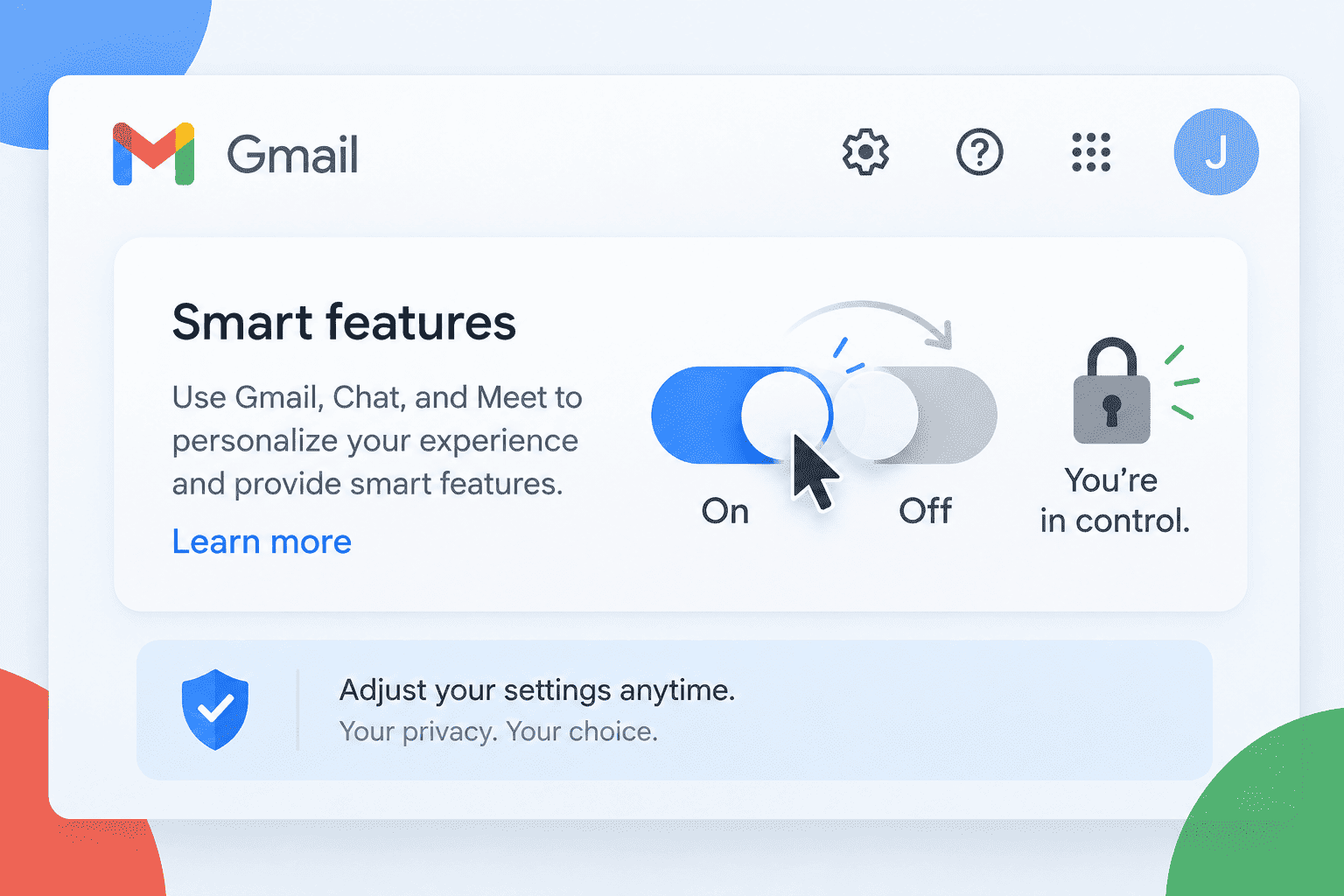
Turn off the main smart features setting. In Gmail on desktop, go to Settings (the gear icon) → See all settings → Smart features and personalization, then uncheck “Turn on smart features in Gmail, Chat, and Meet,” and save.
Then find the second setting the one most people miss. On that same settings page, there’s a separate section called Google Workspace smart features. Click “Manage Workspace smart feature settings” and turn off both checkboxes there too. This is a different toggle from the first one, and skipping it is the most common reason people think they’ve opted out when they haven’t.
Check the mobile app on its own. Settings don’t always sync across devices, so open the Gmail app, tap the menu, go to Settings → your account → Smart features and personalization, and turn it off there as well.
Clear your Gemini activity, if you’ve used it before. Head to myactivity.google.com/product/gemini, turn off Gemini Apps Activity, and delete your activity choose “All time” if you want a clean slate.
And ask yourself what actually belongs in Gmail. None of the above requires switching providers. But if you’re regularly sending or receiving genuinely sensitive material medical records, legal documents, financial statements it’s not unreasonable to keep that traffic in a service built around end-to-end encryption, and leave Gmail for the newsletters and day-to-day stuff. That’s a personal call based on your own risk tolerance, not something the facts above force on anyone.
A Few Quick Answers
Is Gmail’s AI reading my email right now?
Smart features scan your content to power spam filtering and similar tools that’s confirmed. Whether you’d call that “AI reading your email” is partly a matter of definition, but it’s not the same as Gemini training a model on your inbox.
Did Google lose a lawsuit over this?
No. A federal judge dismissed the core claims in August 2026 for lack of standing. The plaintiffs were given a chance to amend, so the case isn’t necessarily finished but there’s no ruling against Google standing right now.
Do I need to change more than one setting?
Yes there’s the main smart features toggle and a separate Workspace smart features toggle. Turning off only one is the mistake most people make.
Will this break anything I actually use?
Possibly. Smart features power spam filtering, categorization, and Smart Compose, so turning them off may make spam filtering a bit less sharp and remove the writing suggestions.
Should I just switch to an encrypted email provider instead?
Only if your situation calls for it. For most everyday email, adjusting your Gmail settings is enough. For genuinely sensitive documents, a dedicated encrypted service is a reasonable extra step not a requirement.
Sources
- Malwarebytes correction on the Gmail “AI training” claim
- MLex Gemini/Gmail privacy claims dismissed by federal judge
- Inside Class Actions Gemini tracking allegations fall short of Article III standing
- Bloomberg Law Google beats suit over Gemini AI data tracking
- Open Class Actions Google Gemini Gmail Privacy Class Action tracker
- Snopes Google AI can access some content from Gmail and chats
- Techweez how to stop Google AI from scanning your Gmail